
Run for Soccer Legends Tools
Practical trackers for the roster — start with the collection checklist so empty Secret pads stay visible.
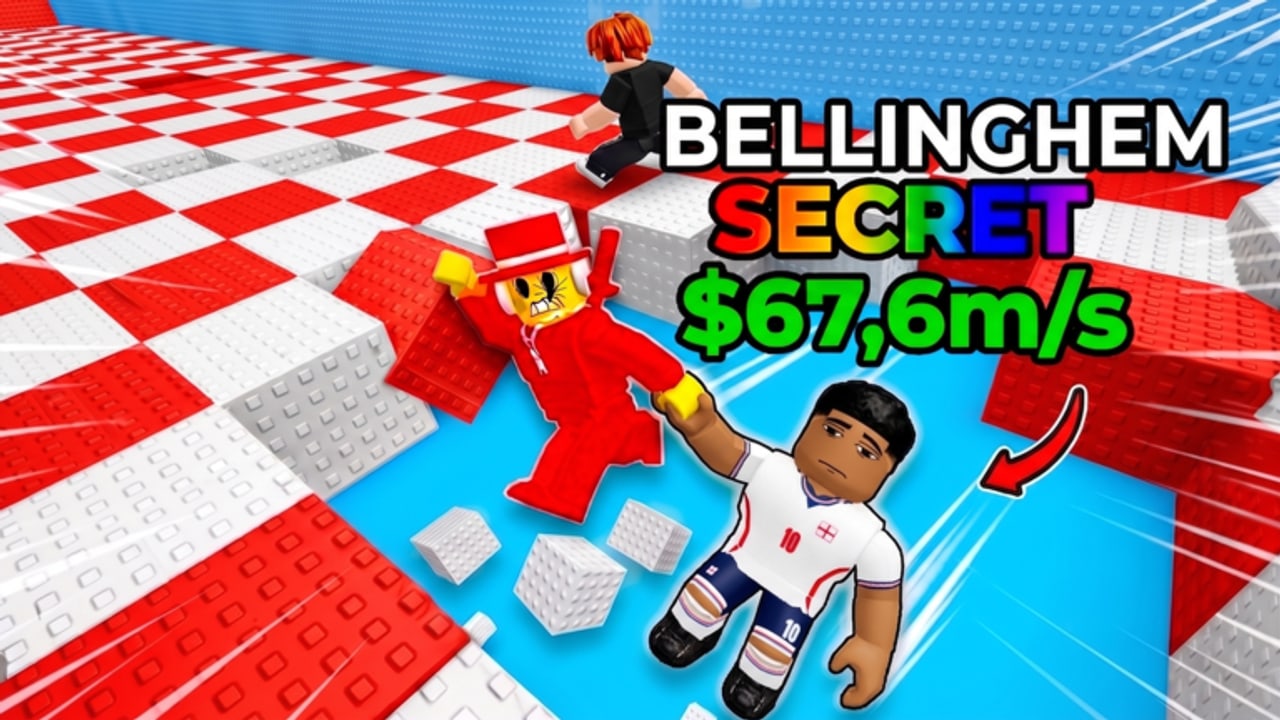
This hub holds player-facing tools for +1 Run for Soccer Legends, not injectors and not calculators we cannot prove. The one tool that exists today is a collection checklist for Soccer Legends. Use it to see which Secret, Rainbow, and OG bodies you already parked, and which pads are still wasting time on filler.
The game loop is simple enough that a bloated toolkit would lie to you. You run checkerboard tracks on a five-player Roblox server, collect parody footballers, keep moving on Jelly Blocks, and park the pickup so it earns cash offline. Official thumbs already tell you the Secret ceiling: Bellinghem, Ranaldo, Prime Cris, and Hooland at $67.6m/s. A checklist that forgets those four names is the wrong checklist.
Collection checklist
Open the Soccer Legends collection checklist when:
- You just came back from a run and cannot remember whether that Rainbow is new.
- You are about to buy a slot or level and need to know if a Secret pad is still empty.
- You are comparing your base to the tier list and the Secret list.
Tick a name only after the body is parked, not while you are still on jelly. A pickup you dropped on the track does not belong on the sheet. Cross-check labels with the rarities glossary and the Players Hub so you do not mark a common as OG because the model looked shiny.
The checklist is a memory aid. It does not roll Lucky Blocks, it does not raise $67.6m/s, and it does not replace getting started in the Guides Hub if you have never finished a return.
What this hub will not ship
We will not add a fake DPS spreadsheet with invented multipliers. We will not embed an executor, auto clicker, or Auto Rainbow GUI — those belong, with warnings, on the scripts hub and auto farm pages. We will not host a code generator. No public codes are confirmed as of September 2026; when a group shout from Desde que o samba é samba posts a real string, redeem it with how to redeem and then tick whatever legend the cash actually bought.
We also will not pretend there is an official companion app. Play happens on the Roblox experience for PC, mobile, and console. Servers hold five players online. There is no local split-screen tool to configure.
How to use tools next to the rest of the wiki
- Learn the loop in how to play and survive Jelly Blocks.
- Rank what you want on the Tier List Hub.
- Tick what you own on the collection checklist.
- Spend cash in upgrades only on empty Secret-capable pads and on levels for bodies the checklist says you actually have.
- After a Roblox stamp change, glance at the updates hub (launch 1 August 2026, last observed ~30 August 2026) before you redraw the sheet.
Official URLs and the group name live on the links hub. If a third-party “tracker” asks you to log in with Roblox to “sync pads,” close it. This wiki’s checklist is a page you mark yourself.
Check the boxes after the pickup is parked, not while you are still on Jelly Blocks.
Frequently Asked Questions
Quick answers for runners hunting Secrets and cash.
What tools are available right now?
The collection checklist for Soccer Legends. There is no official companion app and no code generator.
Should I tick a legend when I pick it up or when I park it?
When it is parked in your base. Bodies dropped on Jelly Blocks do not count.
Does the checklist include Secret names?
Yes — start with Bellinghem, Ranaldo, Prime Cris, and Hooland from the Secret list, then Rainbow and OG from rarities.
Is a script a tool on this hub?
No. Injectors and Auto Farm GUIs are covered with safety notes on the scripts hub, not as recommended tools.
Will a code fill the checklist for me?
Not at the moment. No public codes are confirmed. See the codes hub if a group shout appears.